Importing Wallet using Passkey
This guide walks you through using IOTA Wallet with an existing Passkey account. By importing your Passkey, you can manage your assets directly within the IOTA Wallet.
- Open IOTA Wallet and select
Get Started

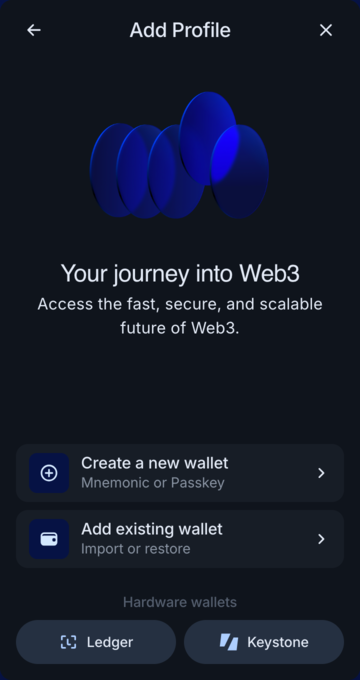
- Choose
Add existing wallet.
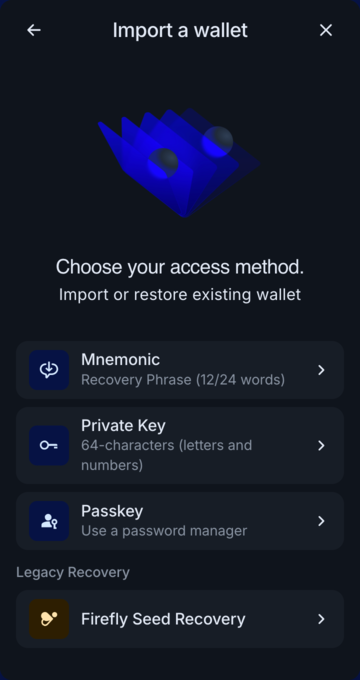
- Click on
Passkey.
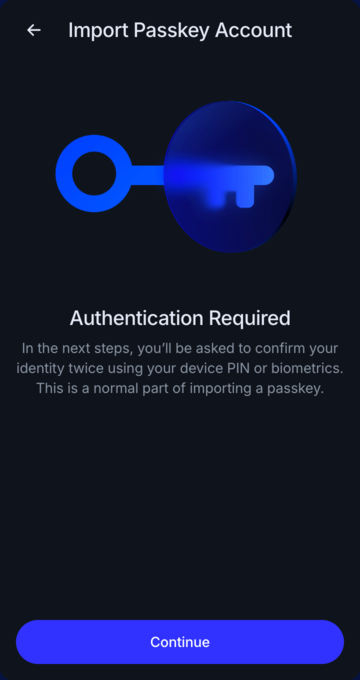
- Click on
Continue. Your device will guide you through the process of adding the Passkey account to the IOTA Wallet.
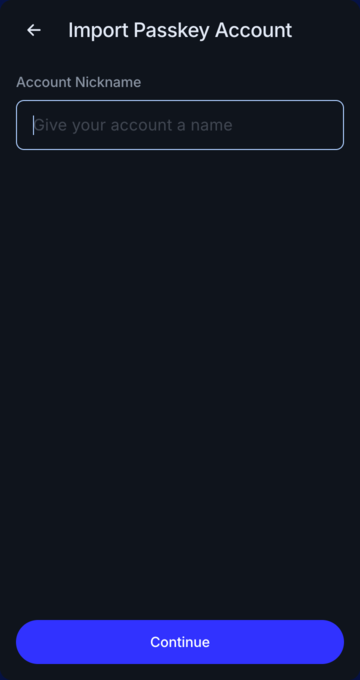
- Choose a nickname for your profile and click
Continue.
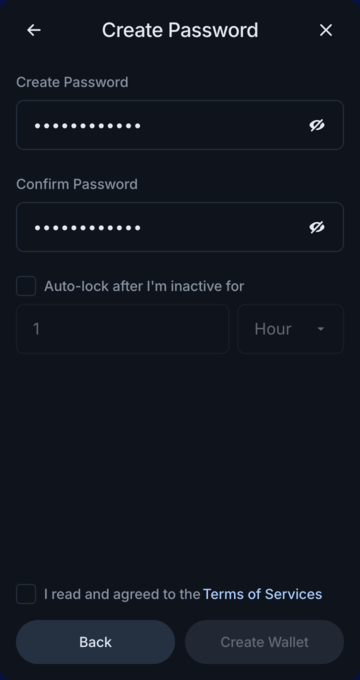
- Enter your desired password and click on
Create Wallet.