Importing Wallet Using a Mnemonic
Community Resources
There is a video from the community that might help you with the setup process.
To use your IOTA Wallet on different devices or browsers, you can import it using your 24-word mnemonic recovery phrase:
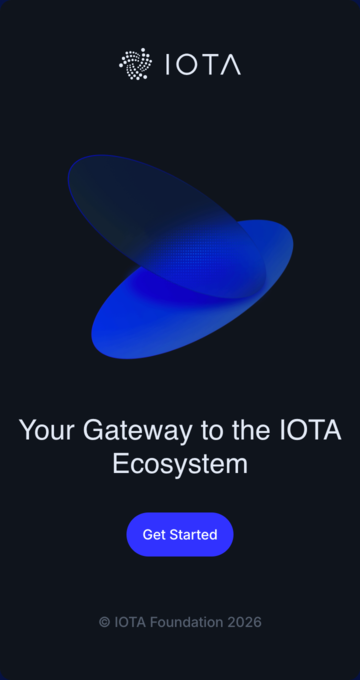
- Open IOTA Wallet and select
Get Started
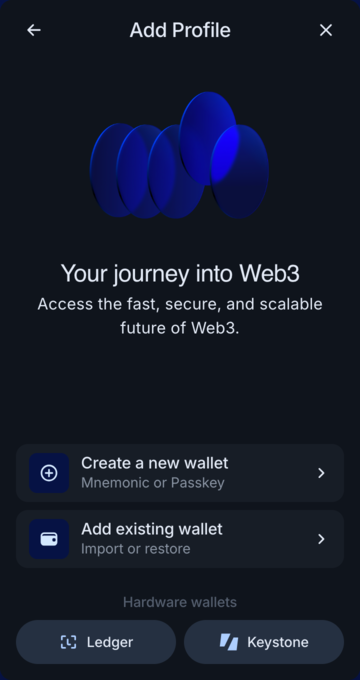
- Choose
Add existing wallet.
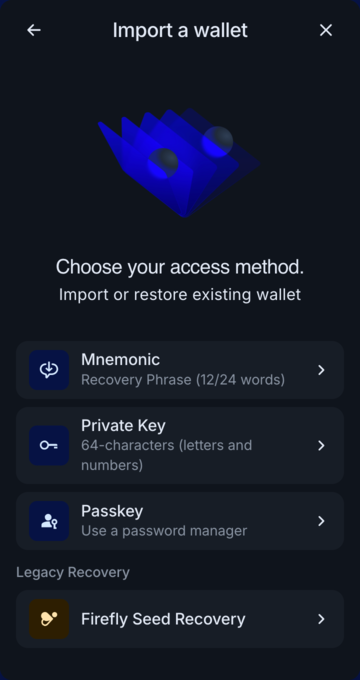
- Click on
Mnemonic.
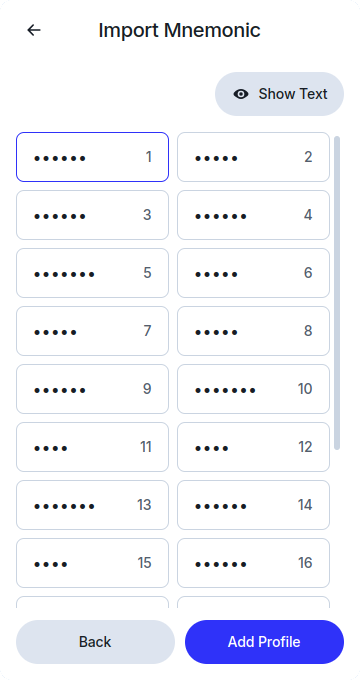
- Enter your 24-word mnemonic recovery phrase and click
Add Profile.
- Enter your desired password.
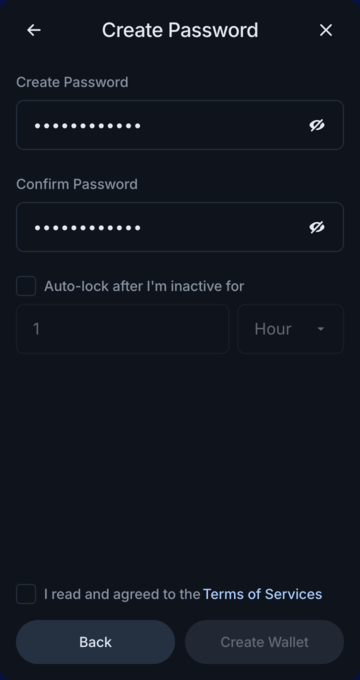
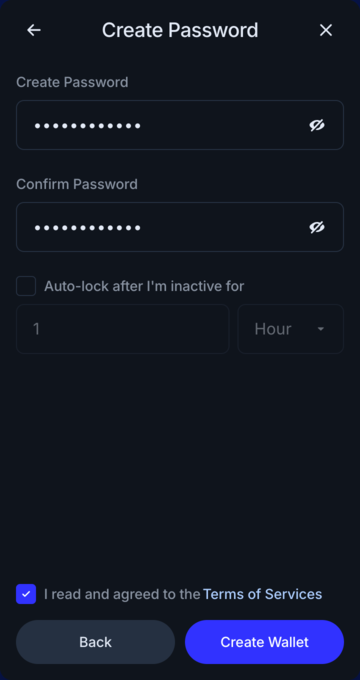
- Carefully read and accept the Terms of Service, and click
Create Wallet.
By following these steps, you can manage, stake, and transfer your digital assets on the IOTA network from any of your devices, ensuring a seamless experience.